Downloads
Visu is fully functional in black-and-white (no licence needed).
You can try it without restrictions and see how it works for you.
If you find it useful, you can get a licence to unlock colour maps.
—
—

Visu is fully functional in black-and-white (no licence needed).
You can try it without restrictions and see how it works for you.
If you find it useful, you can get a licence to unlock colour maps.
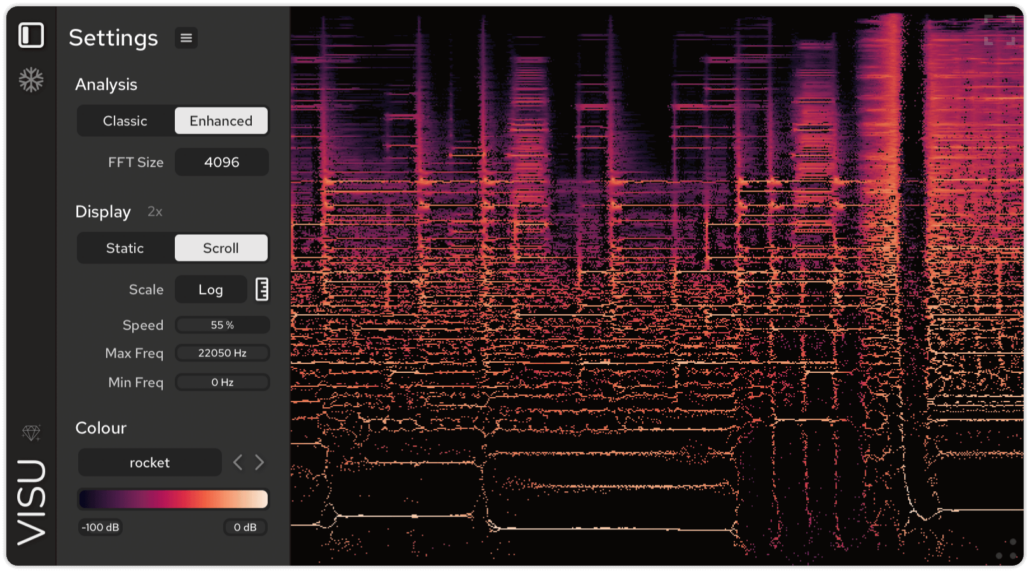
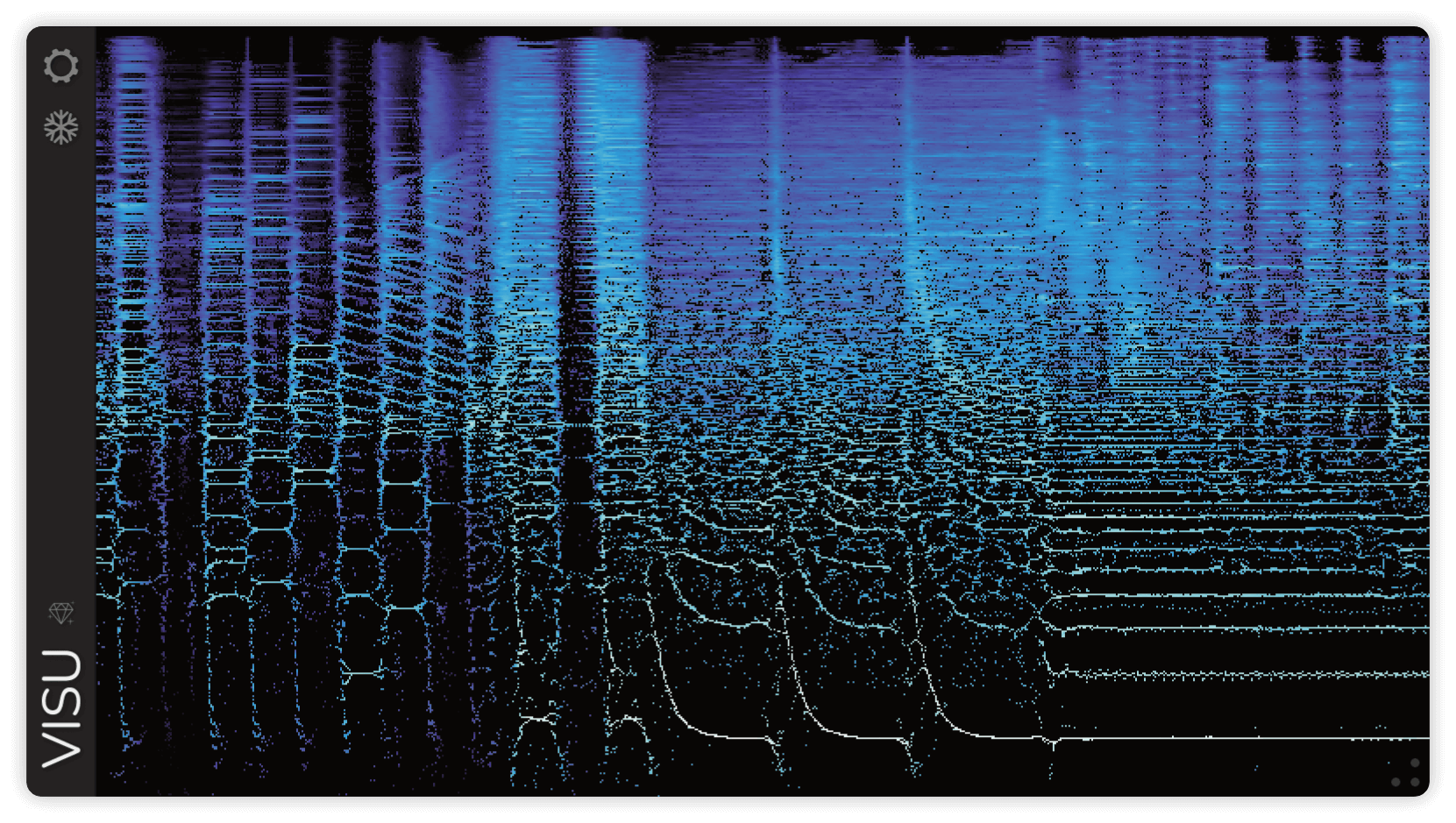
Visu is a real-time spectrogram plugin for audio analysis and visualisation.
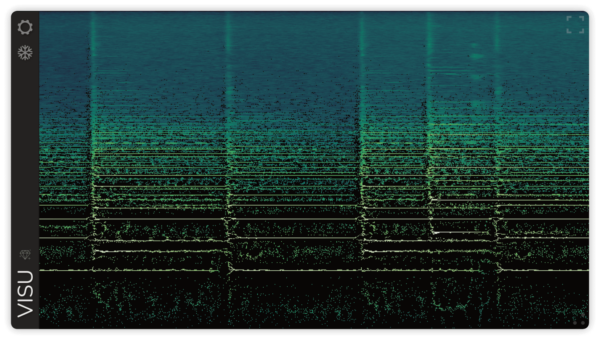
A spectrogram displays how the frequency content of a signal changes over time, with amplitude represented by colour. Think of it as an audio X-ray, useful for spotting transients, analyzing pitch and harmonics, detecting unwanted noise, and tracking how a sound evolves.
Alongside a classic spectrogram mode, Visu includes an enhanced mode with greater precision in both time and frequency. It uses time-frequency reassignment (a technique that relocates energy to its most accurate position using phase information) resulting in sharper transients, clearer pitches, and a more detailed image.
Check out the manual page for more details, features, and screenshots.